Automation Detail
The Automation Details page provides comprehensive insights into individual automations, allowing users to review their status, execution history, and associated data.
Viewing Automation Details
1. Select a Search
-
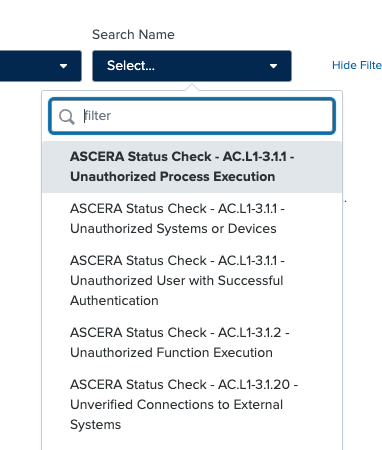
Use the Search Name selector to choose the automation search you wish to view.
-
Once a search is selected, the page dynamically updates to display the corresponding details.
2. Details Displayed
The following information is presented for the selected search:
-
Latest Control Status: The most recent status of the automation control.
-
Latest Execution Time: The timestamp of the most recent execution, displayed in UTC.
-
Latest Execution Summary: A summary that includes:
- Review Title
- Review Description
-
Latest Execution Event Data: Detailed event data from the most recent execution.
-
Historical Execution Event Data: A record of past execution events for trend analysis and troubleshooting.
The Automation Details page equips users with the information needed to understand and evaluate the performance and effectiveness of individual automations.