Initialize Lookups
ASCERA for Splunk depends on a variety of lookups to power searches and dashboards. After installing ASCERA for Splunk, the necessary lookups are not yet available. As part of the post-install configuration process, these lookups need to be created and/or initialized.
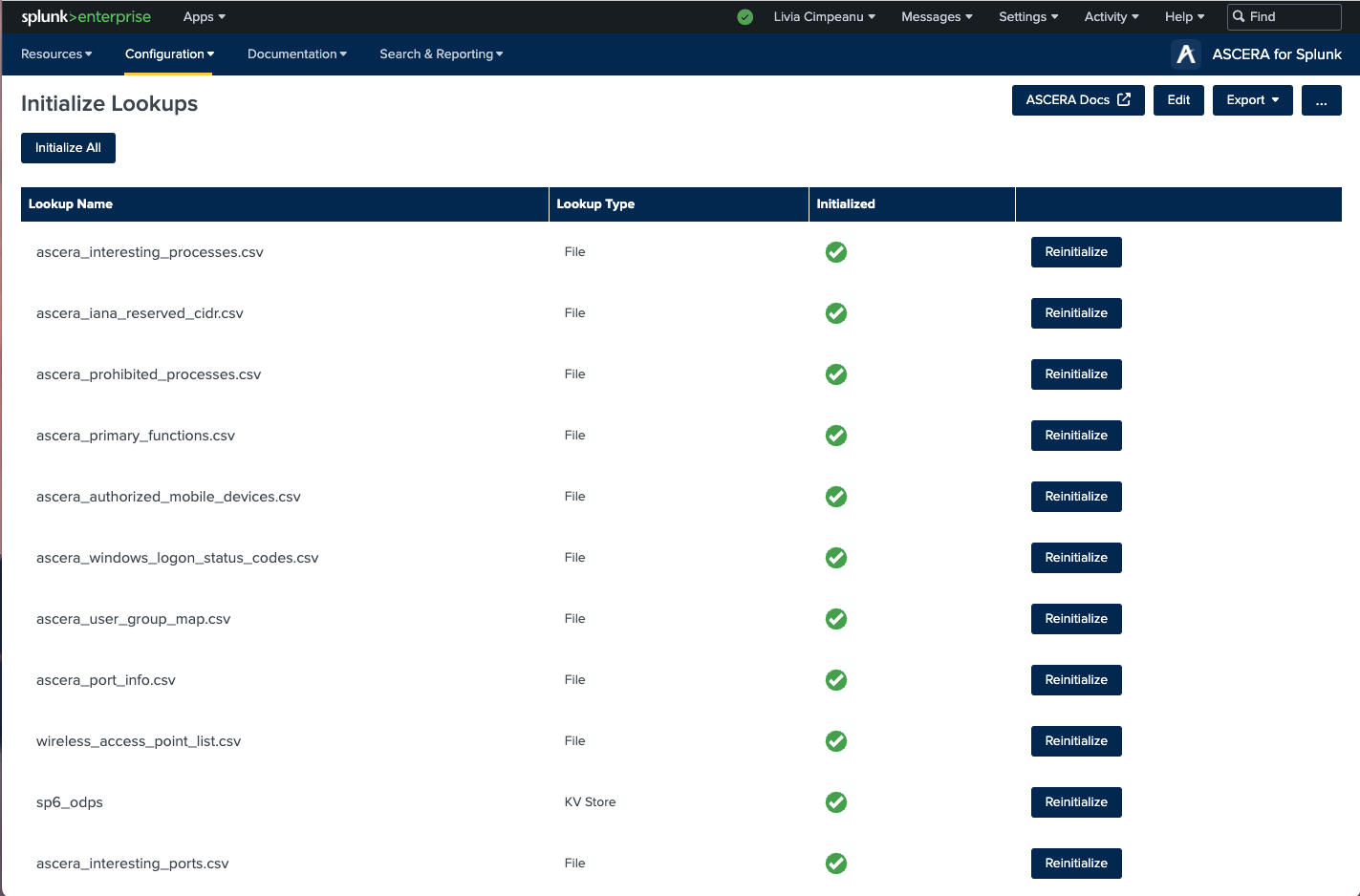
The Initialize Lookups resource creates and initializes all required lookups with sample data in the proper format so that modifying them to meet your organization’s needs is simple. All lookups can be initialized at once by clicking the ‘Initialize All’ button on the top of the page. Once completed, all lookups will show a green checkmark in the ‘Initialized’ column of the table. Lookups can also be initialized individually by clicking the ‘Initialize’ button in the lookup’s table row. Once a lookup is initialized, the content of the lookup can be viewed by running a simple inputlookup command.
Once initialized, a lookup can be restored to default by clicking the ‘Reinitialize’ button.
STOP--do you know what you are about to do?
Reinitializing a lookup will overwrite the current content of the lookup with the original sample data again. This feature is useful for testing and correcting errors but must be used with caution as there is no way to revert after reinitializing.